Built for Twitch clipping campaigns
Catch the funniest, wildest, most viral and most hyped Twitch moments first. Turn them into clips that get paid.
Azule spots the clips and streams that are taking off, finds the best seconds with AI and hands you a captioned vertical clip for your campaign.
Free plan · No card needed
 Rising
 IShowSpeedClip potential94

 KaiCenatClip potential91

 LacyClip potential88

 jasontheweenClip potential86
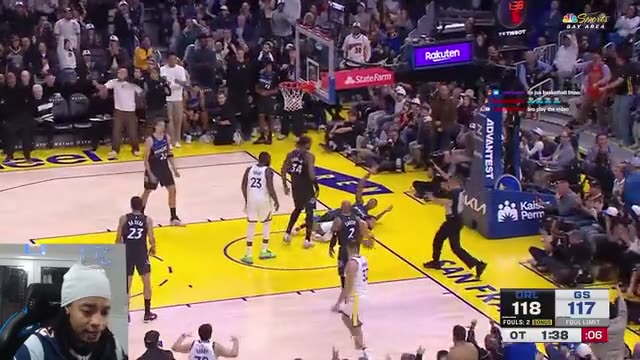
Warriors fan loses it as Steph wins in OT
Builds from chanting to an explosive win reaction and a funny historic-record rant ('since TV was black and white'), a clear payoff for any NBA fan.
Real channels and a real clip made with the app. Clip potential scores shown are examples.
- Twitch clips & live streams
- TikTok
- YouTube Shorts
- Instagram Reels
- Whop clipping campaigns
- Word-by-word captions
- 9:16 in full HD
- Public YouTube links
How it works
Follow one clip from live moment to finished video
01
Spot the moment while it's rising
Discovery ranks Twitch clips and live streams by how fast they're picking up, from Twitch's official API. A clip from a streamer you watch starts climbing, and you see it first.
DiscoveryClipifyExport- RisingIShowSpeed94
- KaiCenat91
- Lacy88
- jasontheween86
02
Clipify finds the best seconds
The AI reads the transcript and the audio, picks the strongest moment, frames the streamer and their facecam for vertical and writes word-by-word captions.
DiscoveryClipifyExport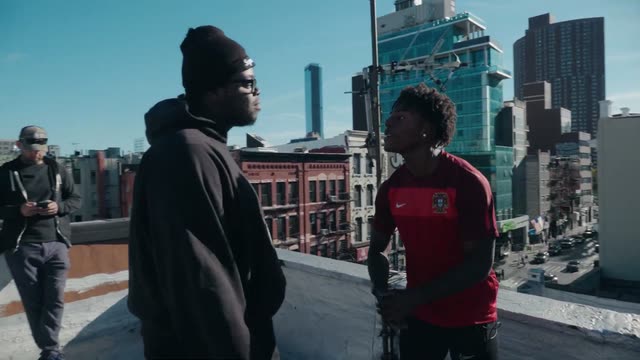
Best moment found
Speed Gets Accused of Having a Secret Baby
Instant confrontational hook with Speed frantically denying a rumored baby, building to a funny rant about waiting to 'glow up' first and a roast about never being skinny.
“Yo, you got a kid, bro? No. Yes, you do, bro. Why would I have a…”
03
A finished vertical clip, ready to post
Fine-tune it in the editor if you like, then export a 9:16 file for TikTok, YouTube Shorts or Instagram Reels and submit it to your campaign.
DiscoveryClipifyExport- TikTok
- YouTube Shorts
- Instagram Reels
- RisingIShowSpeed94
- KaiCenat91
- Lacy88
- jasontheween86
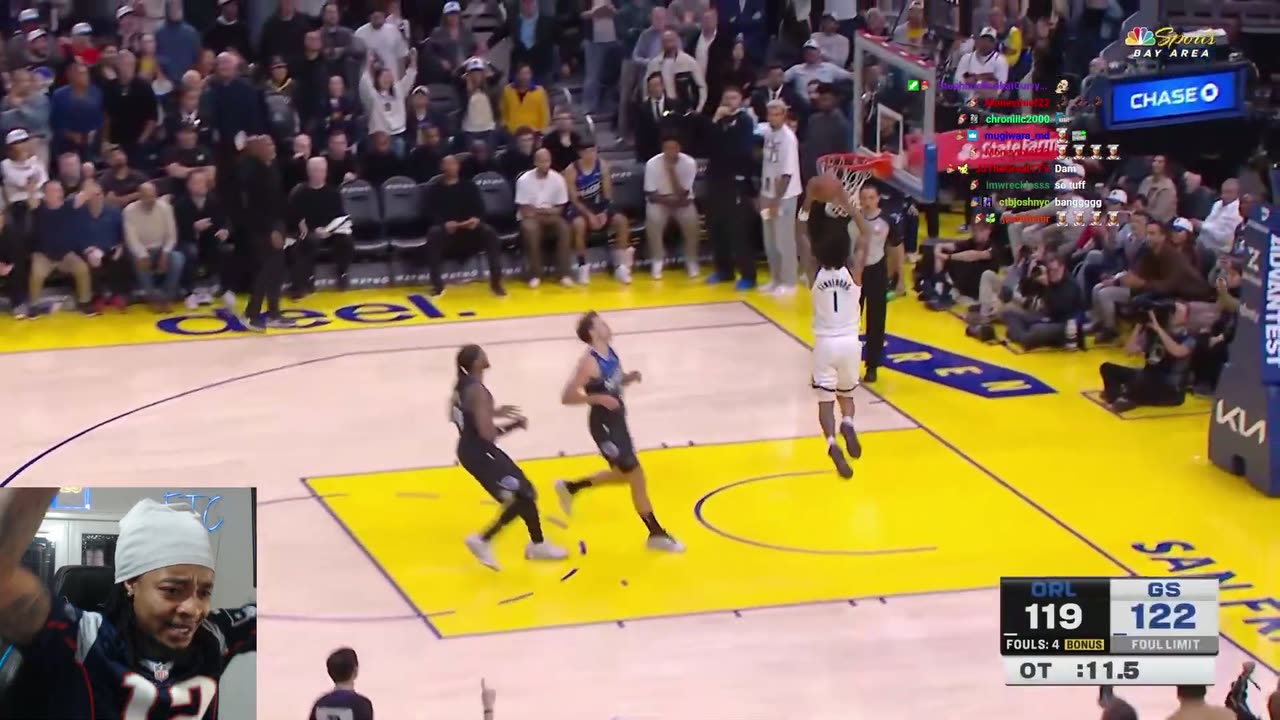
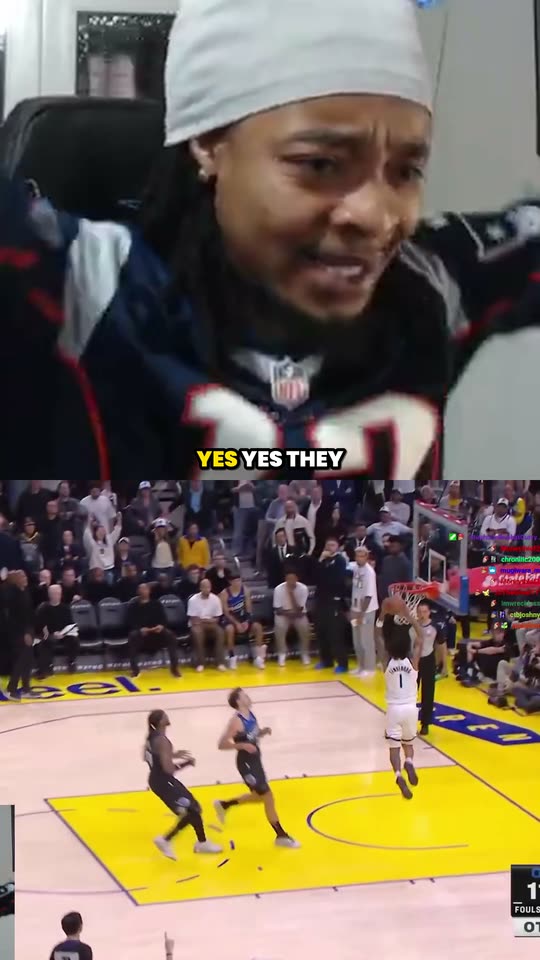
Auto reframe
A wide stream in, a vertical clip out
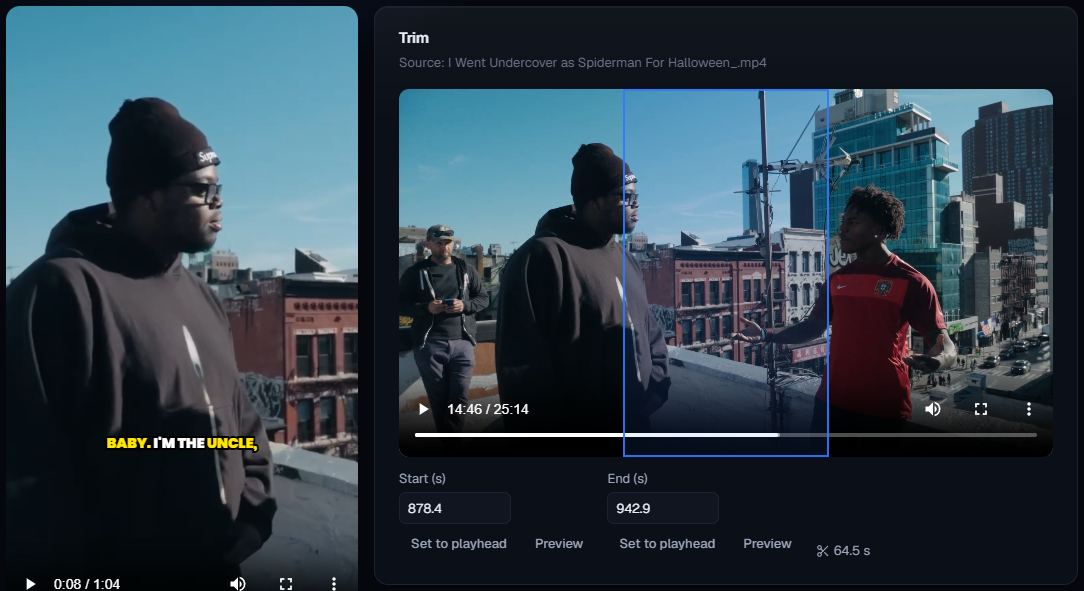
Clipify keeps the facecam and the action in shot, stacks them for 9:16 and places captions where they won't cover anything.
What makes us different
Everything between the moment and the payout
Most tools start once you already have footage. This one starts while the moment is still happening.
Discovery
Clips and live streams that are picking up speed, ranked from Twitch's official API so you see them while they're still fresh.
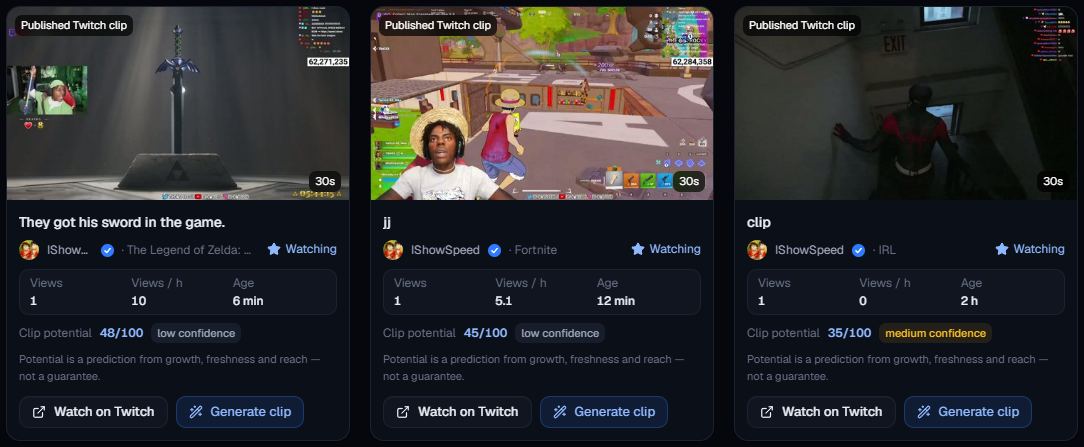
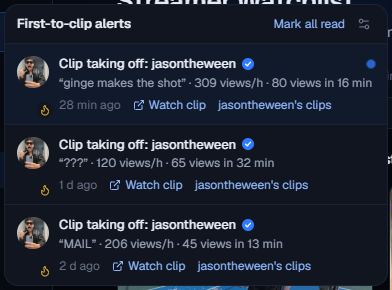
Streamer Watchlist & first-to-clip alerts
Watch the streamers your campaigns pay for and get an alert as soon as one of their clips starts rising or their audience spikes.
Campaigns
Keep each campaign's streamers, caption style and clips together, so everything you make already matches the brief.
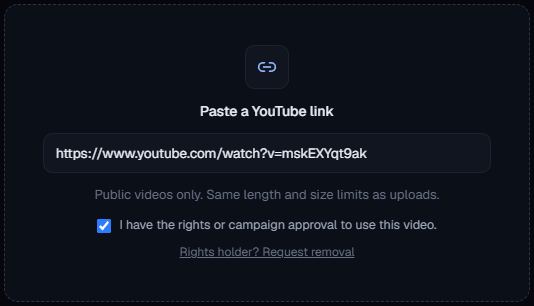
Paste a YouTube link
Drop in a link to a public video you have the rights to use and it arrives in AI Studio, ready to clip.
Natural AI edits
Vertical framing that keeps the streamer and their facecam in shot, captions that stay clear of faces, gentle zooms and trimmed pauses.
Built for
Made for the places clips get paid
TikTok
Vertical 9:16 in full HD with burned-in captions.
YouTube Shorts
Lengths and titles checked against Shorts' rules before you export.
Instagram Reels
Captions kept inside the platform-safe area and clear of faces.
Whop clipping campaigns
Clips sorted by campaign, made in the style each brief asks for.
Reviews
What clippers say
“Actually saves me so much time. I just upload my videos and let the AI find the best moments. Makes content creation way easier.”
@alex.mp4 “Been using this to turn my long streams into TikToks and it’s honestly been a game changer. Super easy to use.”
@jrdnclips “Love how fast it works. Instead of spending hours editing, I can get multiple clips ready to post in minutes.”
@chrislivess
Pricing
Start free. Upgrade when you're clipping every day.
Every plan uses the same credits: one credit per minute of source video.
FAQ
Questions, answered
Is there really a free plan?
Yes. Sign up without a card and you're on Free: monthly credits, Discovery and the clip editor, with a small watermark on exports. The exact credits and limits are in the plans above. Upgrade when you need more.
How do Twitch clips work?
Discovery uses Twitch's official API to show clips and streams that are gaining speed. Twitch doesn't give apps the video file for other people's channels, so for those you download the clip with Twitch's own Share → Download and upload it; Azule takes it from there. When a streamer connects their channel to a campaign you're part of, their clips come in directly through Twitch's official clip downloads.
Can I paste a YouTube link?
Yes, for public videos you have the rights or campaign approval to use. Private, unlisted, members-only, age-restricted and live videos aren't supported, and the longest video you can import depends on your plan. Rights holders can ask for removal on our copyright page.
Do clips get captions? What about swearing?
Every clip gets word-by-word captions made from its own audio, placed inside the platform-safe area and clear of faces, in the font and highlight colour you pick. Swear words are censored by default; you can turn that off per clip or in Settings. Slurs are always censored.
What's a credit?
One credit is one minute of source video, rounded up. Finding clips in a 25-minute video uses 25 credits, and a short video turned into a single clip is charged the same way. Each plan includes a monthly amount of credits, shown in the plans above.
The next clip worth posting is happening on stream right now.
Be the one who clips it first.
Get started free